Getting started · 3 min
BRVX is a web app for trading perpetual contracts on crypto, US and Asian stocks, commodities, forex and an index, all quoted in USDT. To start, you sign in, pick a market, post margin in one of six crypto tokens, set leverage from 5x and press Buy or Sell.
The five steps
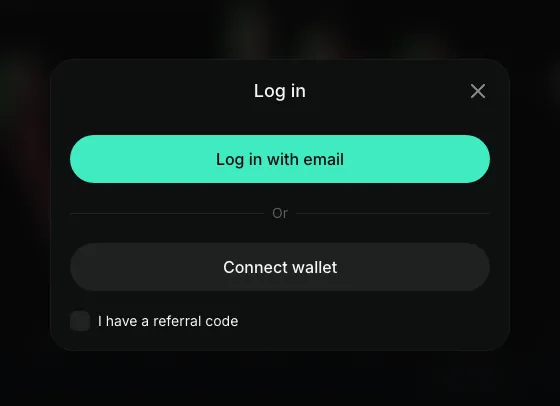
Sign in
Open app.brvx.com and log in with your email or connect a crypto wallet.
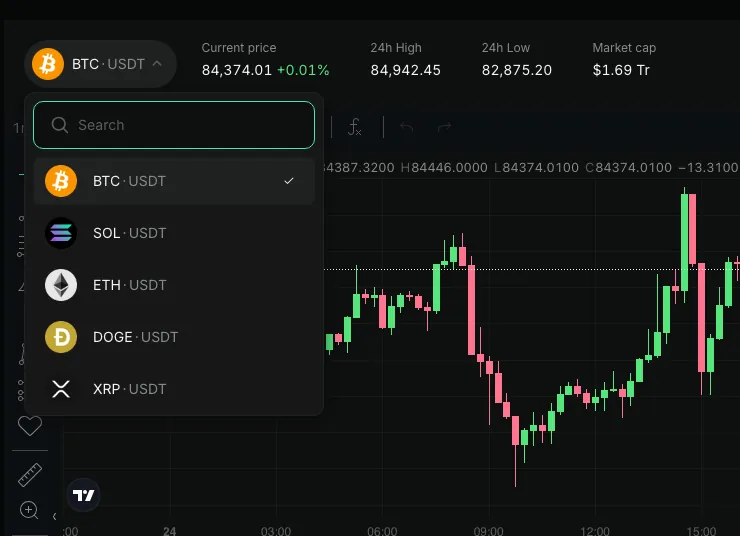
Pick a market
Choose one of the 41 instruments in the pair selector. Every pair is shown as SYMBOL · USDT.
Choose margin
Enter the amount and the token you post as margin: USDT, USDC, BTC, ETH, SOL or BNB.
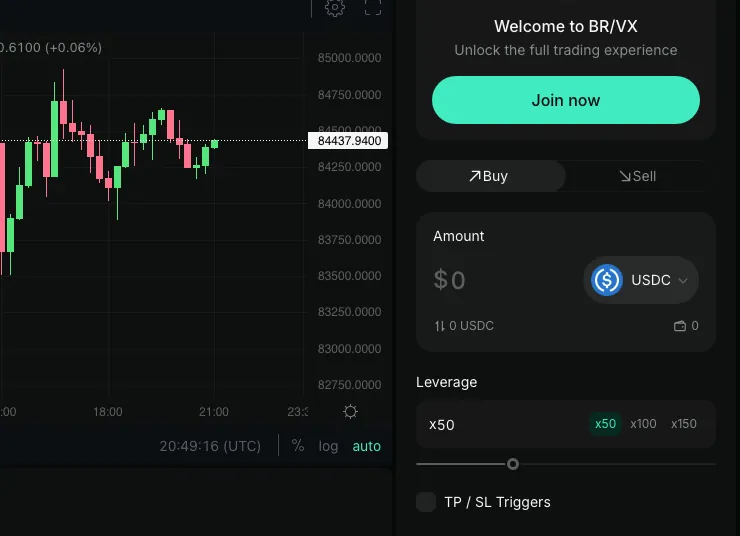
Set leverage
Move the slider or tap a preset. BTC goes up to 150x; NVDA up to 50x.
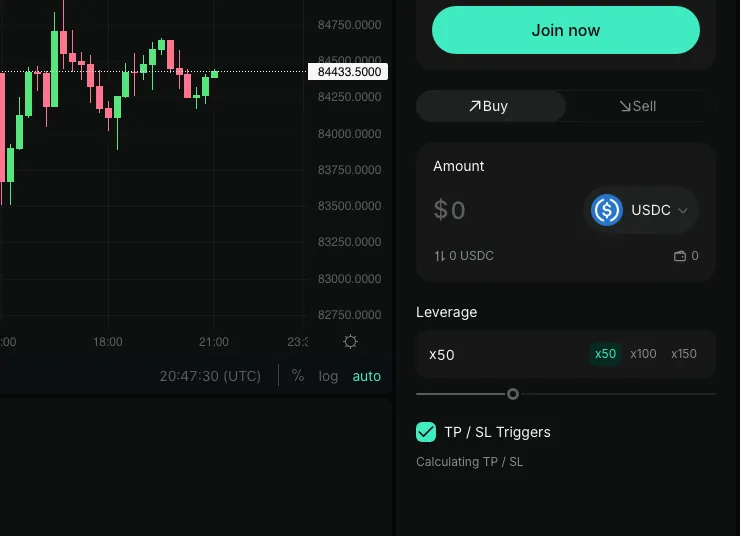
Buy or Sell
Buy opens a long that gains if the price rises; Sell opens a short that gains if it falls.


Leverage works both ways: a small move against you can lose you the whole margin.
What you are trading
A perpetual contract is a bet on the price with leverage. It has no expiry date, and you do not own the underlying stock, coin or barrel: no dividends and no voting rights.
Prices come from the BRVX feed and are quoted against USDT, so a stock such as Apple appears as AAPL · USDT.
Updated
Questions about this topic
Is there a demo account?
No. BRVX has no demo or paper trading mode, so every trade uses real margin.
Do I need to download an app?
No. BRVX runs in the browser on desktop and mobile; there is no App Store or Google Play listing.


Try it in the BRVX app
Open appLeveraged trading is high risk: you can lose your whole margin. Not available to US persons.